Visits, no-shows and unpaid accounts, with no ClientOS server holding your patients.
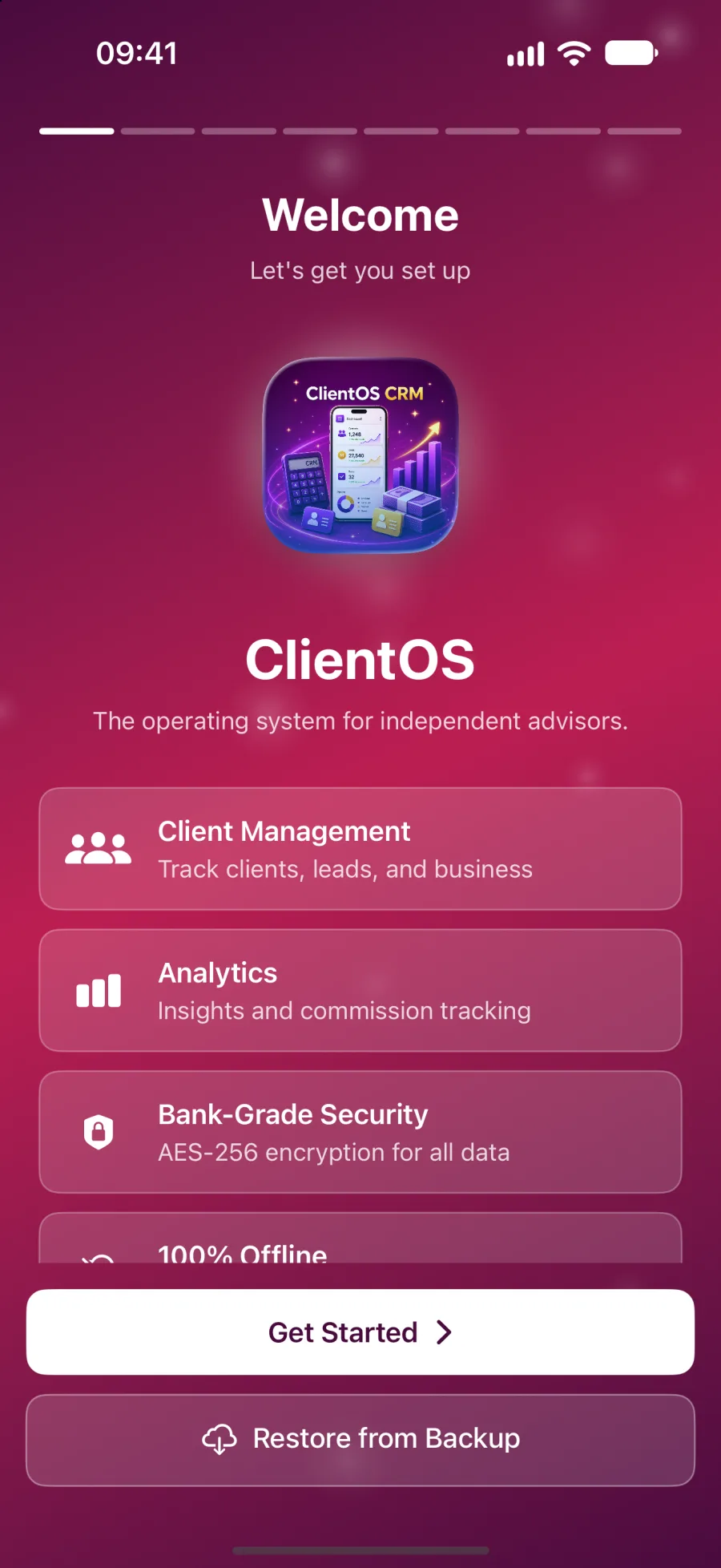
ClientOS runs the business side of a private practice: patients, visits, fees, follow-ups and outstanding accounts. It is encrypted, offline and kept entirely on your iPhone or iPad.
iPhone and iPad today. Mac coming soon. Free during the beta.

Four problems every doctor knows, and what ClientOS does.
A no-show looks like a free slot, so nobody counts what it costs. Over a month the empty chairs add up to real money.
A Cancellations tile sits on the dashboard, and the Cancellations & No-Shows report gives your no-show rate and the revenue it cost you. Then you can act on a number, not a feeling.
Patient records sit in cloud tools you do not control, and every vendor breach headline makes you wonder about yours.
Records are encrypted on your device with AES-256-GCM and never uploaded. There is no account to breach, no analytics, and the app re-locks the moment you switch away.
Accounts go unchased. A visit is done, the invoice is half sent, and three months later you cannot say who still owes you.
Visit notes flag when a visit still needs invoicing. The payment ledger shows paid, partial and unpaid, and the Income & Outstanding report shows billed, collected and outstanding in one view.
Follow-ups slip. The patient who should have come back in six weeks simply never does, and you only notice months later.
A Follow-Ups Due section on the dashboard and the Patient Retention & Follow-up report show returning against new patients, follow-up compliance and lapsed patients to win back.
Not someone else's vocabulary.
Pick Doctor at setup and every label changes. You track visits, not deals.
| In the app | What you see |
|---|---|
| The people in your book | Patients |
| The core unit you bill on | Visits |
| Revenue per unit | Visit Fee |
| Collected so far | Today's Income |
| Quick actions | New Patient, New Visit, New Booking |
| People currently seeing you | Active Patients |
| New people in your pipeline | Patients Incoming |
Built around how a doctor works.
A dashboard for a clinic day
Today's Income leads, with This Week's Visits, Cancellations, a fee trend, a visit-type mix and a Follow-Ups Due list.
Visits with the right types
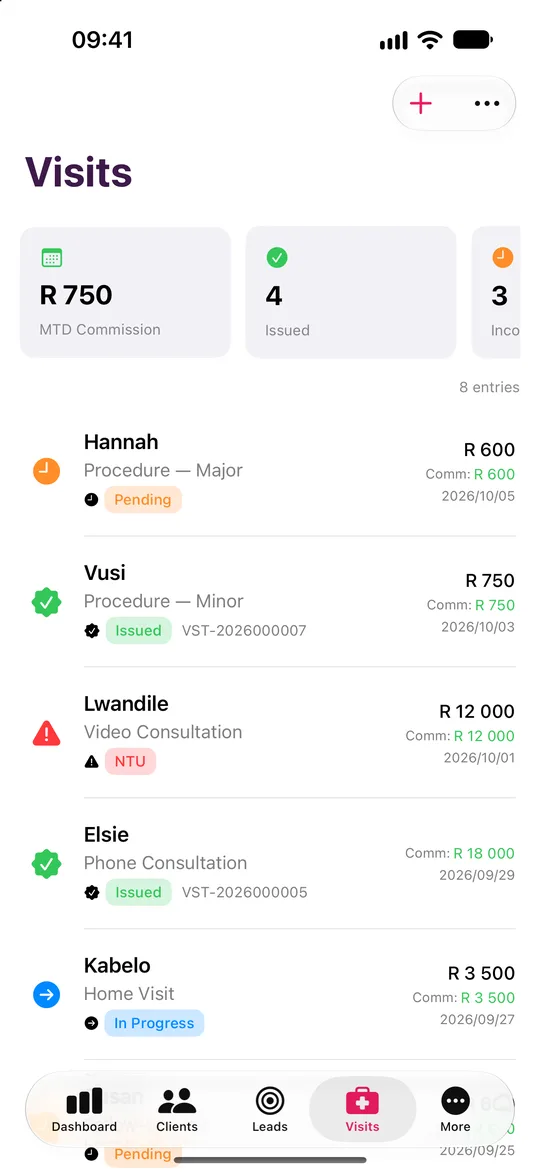
Log each visit with a status and a type from an editable list: Consultation, Procedure, Home Visit, Phone Consultation and Video Consultation.
Visit notes that protect revenue
Record whether a prescription or follow-up was given and whether the visit still needs invoicing, so nothing billable is forgotten.
Seven reports for a practice
Monthly Summary, Visit Volume & Trends, Cancellations & No-Shows, Income & Outstanding, Patient Retention & Follow-up, Visit-Type Mix and Client Portfolio.
Accounts and invoices
Payment ledger, branded invoice and statement PDFs, expenses, other income and an on-device budgeting insight with a tax set-aside estimate.
Voice logging for home visits
Speak a note after a visit. It is transcribed on your device, capped at two minutes, and saved against the right patient.
Five steps from install to your first report.
Pick Doctor at onboarding so the whole app speaks Patients, Visits and Visit Fee.
Tap New Patient and fill in the essentials, or import your list from CSV, Excel or Contacts.
Tap New Visit, choose a visit type and record the visit fee.
Open the dashboard and check Today's Income, the hero tile showing what you have collected so far.
Run the Cancellations & No-Shows report to see your no-show rate and what it cost you.
Pipeline, reports and lessons, tuned to you.
The dashboard leads with Today's Income, with this week's visits.
Your pipeline
- New Patient
- Booked
- Active
- Inactive
Rename and reorder the stages to match how you work.
Your reports
- Monthly Summary
- Visit Volume & Trends
- Cancellations & No-Shows
- Income & Outstanding
- Patient Retention & Follow-up
- Visit-Type Mix
- Client Portfolio
Export to PDF, print or CSV.
Your lessons
- Running Your Practice
- Discovery Questions
- Referral Systems
- Client Retention
- Difficult Clients
- Getting More from ClientOS
On-device. Running Your Practice: no-shows, pricing and getting paid.
Your visits and your clients stay yours.
Encrypted on your device
AES-256-GCM, with the key derived from your password through PBKDF2 at 600,000 iterations.
No server, no account
ClientOS makes no network calls. There is no ClientOS database holding your clients.
Face ID and a recovery key
Unlock with a glance. A printable recovery key means a forgotten password never loses your book.
Your backups, your iCloud
Encrypted backup files go to your own iCloud Drive, never to us.
A note on scope. ClientOS is practice-management software, not clinical software. It does not offer clinical or diagnostic advice, and the Learn tab covers the business of practice only.
Doctor questions
No. It is practice-management software, not clinical software, and it never offers clinical or diagnostic guidance. The Learn tab covers the business of practice only.
Try it as a doctor.
Leave your name and email and we will send a free TestFlight invitation. Sample data is included, so you can see how it works for your profession before you add a single client.
- Five professions
- iPhone and iPad, Mac coming soon
- Works offline