Why solopreneurs need a CRM of their own.
Most solopreneurs run their business on a spreadsheet, a notes app, or a sales CRM built for teams. You are not a sales team, and your clients are not leads in someone else’s database. Here is the case for a tool built around how you actually work.

Spreadsheets do not remind you
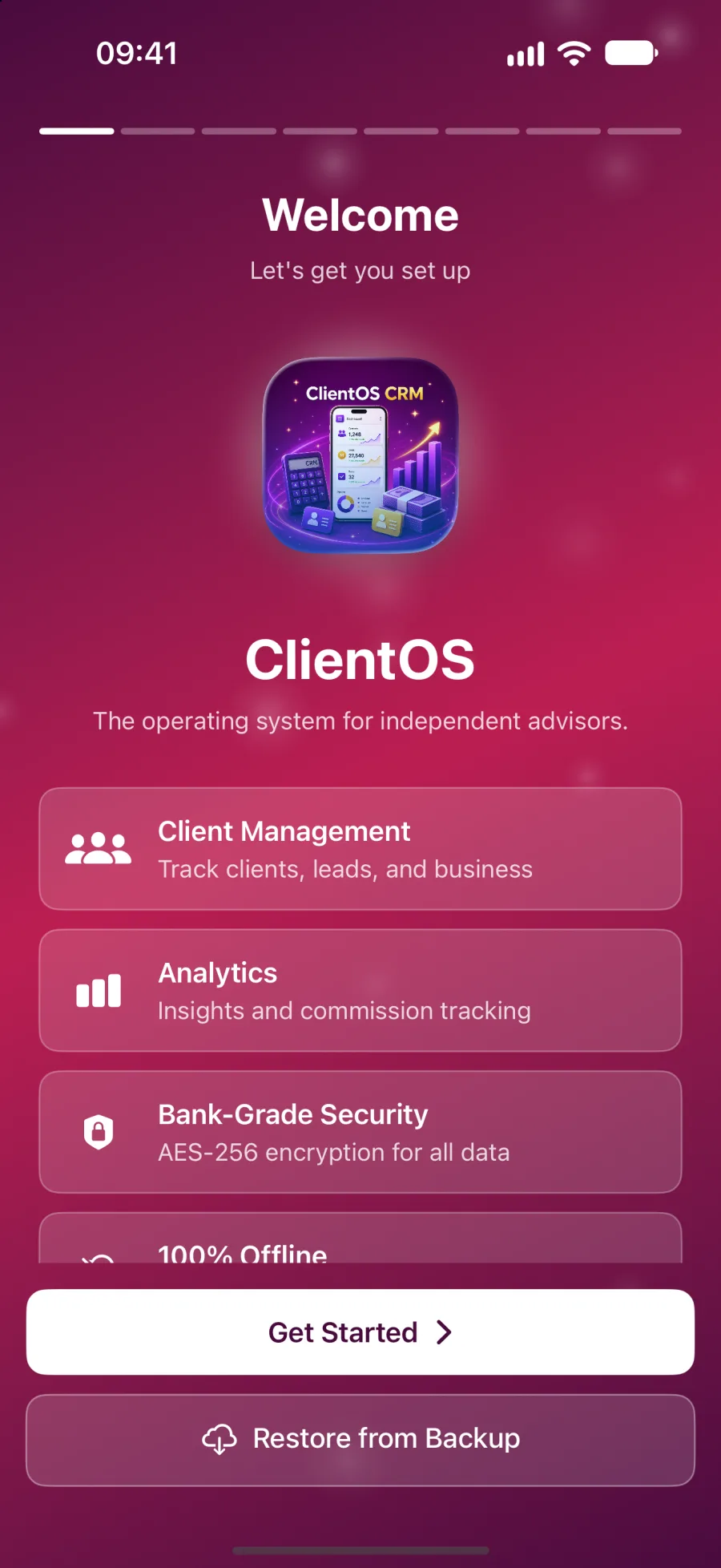
A spreadsheet holds your clients but never taps you on the shoulder. Follow-ups, renewals and quiet clients only surface if you remember to look. ClientOS puts overdue alerts and a recent-activity feed on the first screen you see.
Cloud CRMs are built for sales teams
Most CRMs assume a sales manager, a team and a quota. A solo professional ends up paying for seats, stages and reports they never use. ClientOS is built for one person running their own book.
Your clients' data should not sit on a vendor server
Client details, case notes and session records are sensitive. ClientOS makes no network calls and has no server of its own. Everything is encrypted on your device with AES-256-GCM, so there is nothing for us to lose.
Your profession has its own words and numbers
A lawyer talks about cases and billable hours. A therapist talks about sessions and retention. Pick your profession at setup and the labels, dashboard, pipeline, reports and lessons all change to match.
Admin is where the evenings go
Invoices, statements, notes and month-end figures tend to wait until the working day is over. ClientOS gives you branded PDFs, voice notes transcribed on your device and ready-made reports, so the evening is yours again.
You should own your tools
A subscription tool can raise its price, change its terms or lock you out. ClientOS stores your data on your device, exports to CSV and PDF at any time, and is a one-time purchase at launch rather than a monthly bill.
How the alternatives compare.
Fair to the options you may be using now.
| Question | A spreadsheet | A typical cloud CRM | ClientOS |
|---|---|---|---|
| Where your client data lives | In a file on your computer, or in a shared drive if you put it there. | On the vendor's servers, under the vendor's security and terms. | On your iPhone or iPad, encrypted, and not on our servers. Optional backups go to your own iCloud Drive. |
| Built for your profession | Only as far as you build it. Every column is yours to design and maintain. | Usually built around sales teams, with some industry templates on higher plans. | Five professions with their own vocabulary, pipeline, dashboard, reports and lessons. |
| Works offline | Yes, if the file is saved locally. | Often limited. Many features need a connection. | Fully. It makes zero network calls, so everything works with the connection off. |
| Cost model | Free or already owned, but you pay in your own time. | Typically a monthly or annual fee per user. | Free during the beta. At launch, a one-time purchase with no subscription. |
| Time to set up | Quick to start, slow to keep tidy as the book grows. | Often hours of configuration, and sometimes training, before it fits. | Minutes. Pick your profession, import your clients and sample data shows you around. |
| Who can see your clients' details | Anyone with access to the file or the account it sits in. | You, your team, and the vendor and its subprocessors under its terms. | Only you, behind a password, Face ID or Touch ID. We have no copy. |
Pick your profession to see your version.
Questions before you decide
A spreadsheet is fine for a list, but it cannot remind you, chart your month or produce a branded invoice. ClientOS does those jobs and stores everything on your device, not on our servers.
Try it free in the beta.
Leave your name and email and we will send a free TestFlight invitation. Sample data is included, so you can see how it works for your profession before you add a single client.
- Five professions
- iPhone and iPad, Mac coming soon
- Works offline