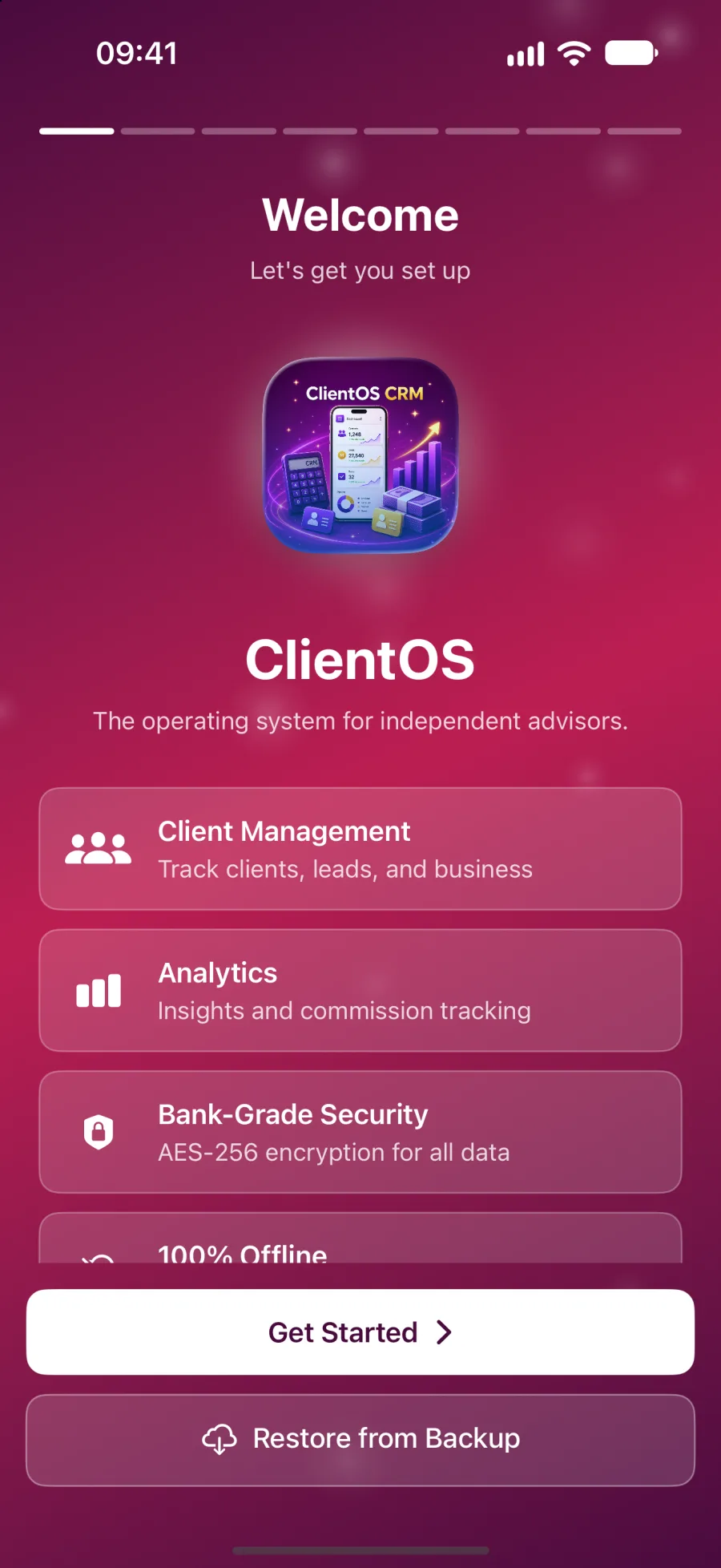
Cases, billable hours and client confidentiality, with no ClientOS server in the way.
ClientOS is practice-management software for the business of practising law: enquiries, cases, hours and invoices. Everything is encrypted on your iPhone or iPad, with no copy of your clients on a ClientOS server.
iPhone and iPad today. Mac coming soon. Free during the beta.

Four problems every lawyer knows, and what ClientOS does.
New enquiries arrive by email, phone, WhatsApp and a card pushed across a desk. Replies slip because there is no single list.
Every enquiry goes on one pipeline: Enquiry, Consult, Engaged or Closed. Tag it Hot, Warm or Cold, note where it came from, and the Conversion tile shows how many become cases.
Client confidentiality is your duty, yet most practice tools keep client files on a vendor server you cannot inspect.
There is no ClientOS server. Client details, case notes and billing are encrypted on your device with AES-256-GCM, and the app makes no network calls and runs no analytics.
Time slips away unbilled. Hours worked on a Friday are forgotten by Monday, and invoices go out late or short.
Log hours against the case as you work. They roll straight into MTD Revenue and the Billing Analysis report. Branded invoice and statement PDFs and a payment ledger show what is paid, partial or unpaid.
Court dates, consults and deadlines are scattered across your diary, your phone calendar and sticky notes.
A built-in day, week and month calendar syncs both ways with Apple Calendar, so consults, court dates and deadlines show on every device without double entry.
Not someone else's vocabulary.
Pick Lawyer at setup and every label changes. You track cases, not deals.
| In the app | What you see |
|---|---|
| The core unit of work | Cases |
| Adding work | New Case |
| How you earn | Billable Hours at an Hourly Rate |
| Record identifier | Case Reference |
| Payment arrangement | Payment Plan |
| Revenue report | Billing Analysis |
| Share of enquiries that become cases | Conversion |
Built around how a lawyer works.
Confidentiality on your hardware
AES-256-GCM encryption with a key derived through PBKDF2 at 600,000 iterations, opened with Face ID or Touch ID. There is no ClientOS server copy.
Cases and billable hours
Open a case with a Case Reference and a service from an editable catalogue: Consultation, Retainer, Court Appearance and Document Drafting.
An intake pipeline for law
Enquiry, Consult, Engaged and Closed by default, on a board or table. Rename and reorder to match how your firm takes work in.
Billing Analysis and four more reports
Monthly Summary, Lead Conversion, Product Performance, Billing Analysis and Client Portfolio, exported to PDF, print or CSV.
A real back office
Payment ledger, branded invoices and statements, expenses by category, other income and an on-device budgeting insight with a tax set-aside suggestion.
Voice notes that stay local
Log a call or consult by speaking. Transcription happens on your device, capped at two minutes, and is saved against the client.
Five steps from install to your first report.
Pick Lawyer at onboarding so the app speaks Cases, Billable Hours and Hourly Rate.
Open Clients and add one, or import your list from CSV, Excel or Contacts.
Tap New Case, add a Case Reference and a service, then log the hours you have worked.
Check the dashboard and watch MTD Revenue, MTD Invoiced and Conversion update.
Open Reports, choose Billing Analysis, set a date range and export to PDF, print or CSV.
Pipeline, reports and lessons, tuned to you.
The dashboard leads with MTD Revenue, built from billable hours.
Your pipeline
- Enquiry
- Consult
- Engaged
- Closed
Rename and reorder the stages to match how you work.
Your reports
- Monthly Summary
- Lead Conversion
- Product Performance
- Billing Analysis
- Client Portfolio
Export to PDF, print or CSV.
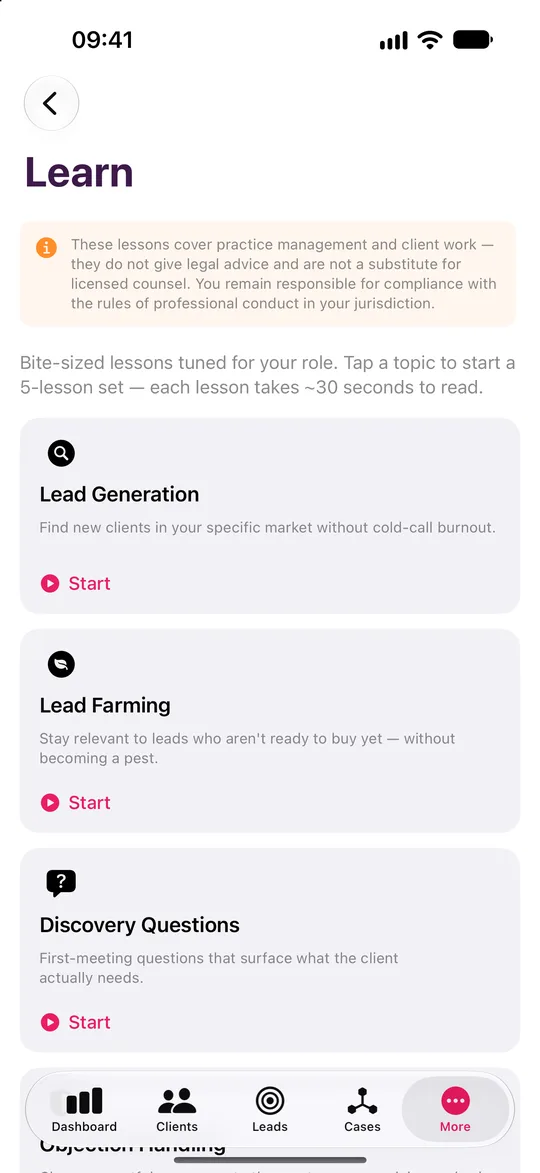
Your lessons
- Lead Generation
- Lead Farming
- Discovery Questions
- Objection Handling
- Referral Systems
- Client Retention
- Pricing Conversations
- Difficult Clients
- Getting More from ClientOS
On-device. Running and growing a practice, never legal advice.
Your cases and your clients stay yours.
Encrypted on your device
AES-256-GCM, with the key derived from your password through PBKDF2 at 600,000 iterations.
No server, no account
ClientOS makes no network calls. There is no ClientOS database holding your clients.
Face ID and a recovery key
Unlock with a glance. A printable recovery key means a forgotten password never loses your book.
Your backups, your iCloud
Encrypted backup files go to your own iCloud Drive, never to us.
A note on scope. ClientOS is practice-management software. It does not give legal advice, and the Learn tab covers running a practice only, never the practice of law.
Lawyer questions
No. It is practice-management software. The Learn tab covers running and growing a practice only, carries a clear notice, and never strays into the practice of law.
Try it as a lawyer.
Leave your name and email and we will send a free TestFlight invitation. Sample data is included, so you can see how it works for your profession before you add a single client.
- Five professions
- iPhone and iPad, Mac coming soon
- Works offline